




ERP – Admin
₱1,000
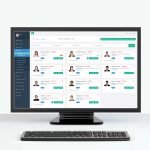
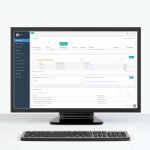
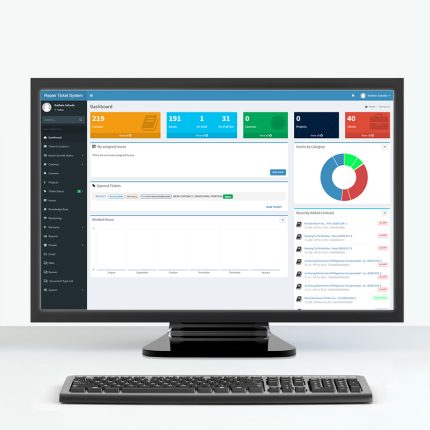
- An all in one solution for your human resource task like managing of employees’ time clock, managing employees list, generating contracts and IDs, assigning task, etc.
- Centralized task management for employees and do-do lists.
- Tracking employees’ leaves and absences.
- You can generate reports for employees list, work detail reports, employees’ performances and evaluation, etc.
Description
How to add employee
HOW TO USE
2025-04-05
How to add employee!
Here’s how!
- First, go to HRMS and click on "Employee List."
- Next, click "New Staff Member."
- Click the image icon to upload the employee's picture.
- Fill in the required information.
- You can also assign a password for each employee to grant them access to the ERP system.
- Then, go to "Related Information."
- Once everything is filled out, click the "Save" button.
That’s it! The employee's details are securely stored, and they gain access to their profile and relevant ERP modules. The process is quick and ensures organized, accessible employee data.
Related products


Check Writer V2 – Tutorial Management
While running any business, every company has its own working process, and sometimes it’s not standard.
It could be a difficult task to explain the whole process to newly hired employees and train them as per the process. But now, all you have to do is just give time to your newly hired employees to watch tutorial videos and task manuals. If in case they forgot the process, they can watch this tutorial anytime without taking help from other colleagues

Field Technician & Employee Report
Introducing a smart and efficient way of collecting data from you technicians and employees deployed on field or different branches.
Collects real-time data with picture, signature and barcode scanning feature using your mobile device.
Send and receive reports with ease and without limitations as long as you add your mobile device.
Can be used by various users simultaneously.
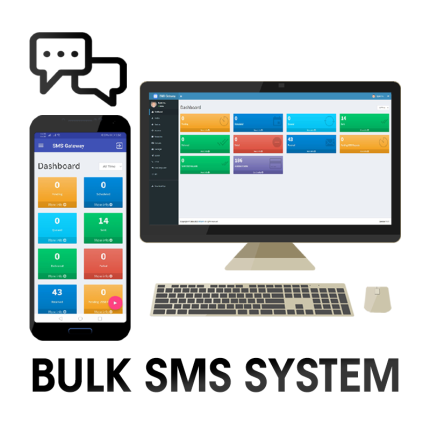
MMS / SMS Text Blaster with Android Phone
Make or Use Your Android Phone as SMS/MMS Gateway
Easily send out bulk messages to your targeted audiences with a click of a button!
This app is perfect for marketers, small business owners, event planners, and anyone looking to build their audience.
Send text blasts to find new clients & customers, announce your latest product launch, and promote an event through SMS marketing & more.

Send IT To Office – SITO
Introducing a smart and efficient way of collecting data from different branches and reports from your employees.
Collects real-time data with picture, signature and barcode scanning feature using your mobile device.
Send and receive reports with ease and without limitations as long as you add your mobile device.
Can be used by various users simultaneously.


